Guide
Supabase MCP Server: Setup, Read-Only Mode and Safe Use
Connecting Claude Code, Cursor or Codex to your Supabase project, scoping it to one project in read-only mode, running it locally or in CI, and what to use when the agent isn't yours.
By Governed Ground Truth Editors · Checked against its sources on · MCP and Headless Analytics
The Supabase MCP server lets an AI client such as Claude Code, Cursor, Codex or VS Code work on your Supabase projects over the Model Context Protocol. Once it is connected, the agent can list your tables, run SQL, apply migrations, read logs, deploy Edge Functions and create branches, all with your own permissions.
Adding it takes one line of config. Deciding how much it can reach takes longer: by default it sees every project in the organization you sign in to and every tool group except Storage. This guide covers the ways to run it, from a full-access developer setup to a project-scoped, read-only connection, and where it stops being the right tool: when the agent works for your customers, or answers business questions in production.
Ways to run it, side by side
| Setup | What the agent can do | Best for |
|---|---|---|
| Hosted server, signed in through the browser | Every default tool group (database, debugging, development, Edge Functions, account, docs, branching) across the organization you authorize | Building and debugging a Supabase app from your editor or terminal agent |
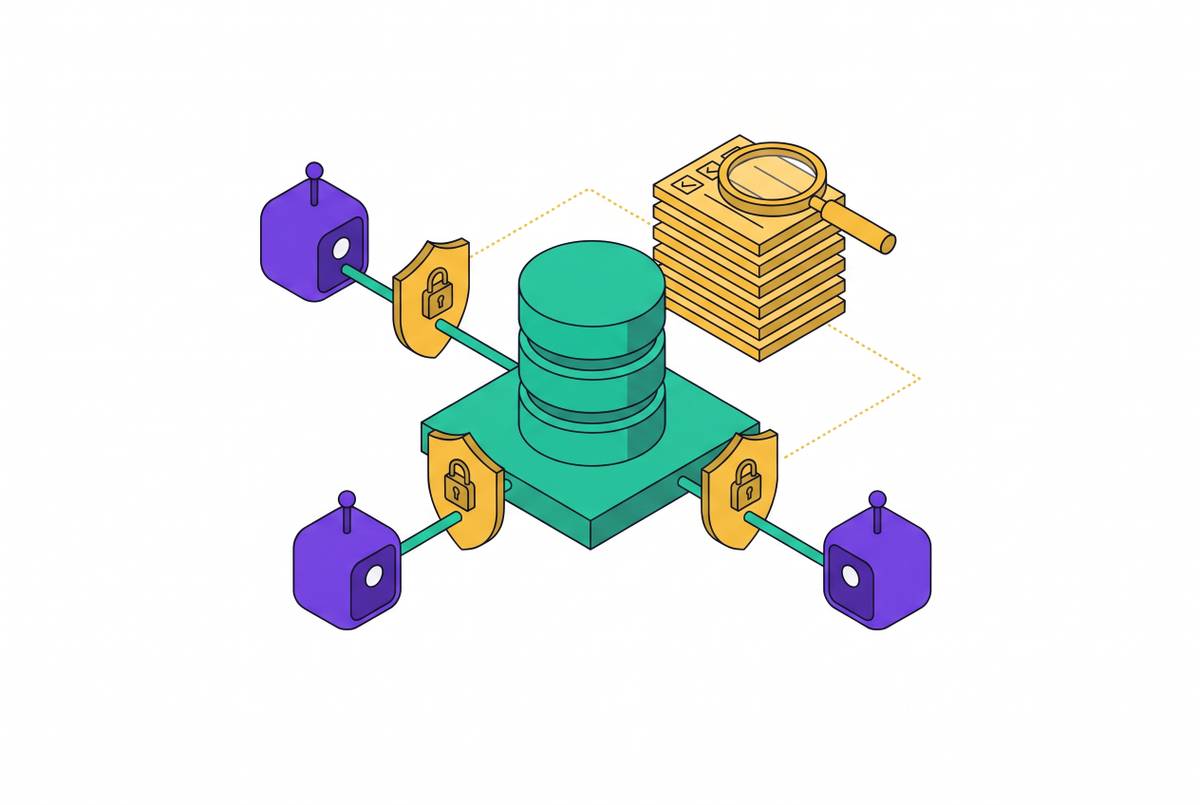
| Hosted server, scoped to one project and read-only | One project; SQL runs as a read-only Postgres user; only the tool groups you list; no account tools | Looking at real data or logs in a production project, and unattended monitoring routines |
| Hosted server with a personal access token (CI) | Whatever the token's permissions and the URL's scope allow | Agents running in CI, or clients that can't complete a browser sign-in |
| Local server (Supabase CLI) and self-hosted Studio | A smaller subset of the tools against your local or self-hosted stack, with no OAuth | Working against a local database, or a Supabase you host yourself |
| Your own MCP server on Edge Functions | Only the tools you write, each call running as the signed-in user under your RLS policies | Letting your app's users connect their own AI clients to their data |
| A governed-dataset server (for example, Dreambase) | Pre-modeled datasets and named metrics; the agent never reaches the production database | Agents answering business questions in production, where every number has to match |
Hosted server, signed in through the browser
Maintained by: Supabase · supabase.com/docs/guides/getting-started/mcp
Best for: Building and debugging a Supabase app from your editor or terminal agent.
Supabase hosts the server at https://mcp.supabase.com/mcp. You add that URL to your MCP client and the client opens a browser window where you sign in to Supabase and pick the organization to grant. It uses dynamic client registration, so there is no personal access token to create or paste.
Each client takes the URL its own way. Claude Code adds it with claude mcp add (or a .mcp.json in the project) and authenticates from /mcp in a regular terminal. Codex uses codex mcp add and codex mcp login. Cursor reads .cursor/mcp.json, VS Code reads .vscode/mcp.json, and Claude.ai and ChatGPT install it as a connector from their directories. Supabase's setup page lists the exact config for each client, and the project's Connect panel in the dashboard builds a URL for you.
Its tools come in groups: database (list_tables, list_migrations, apply_migration, execute_sql and more), debugging (query_logs, get_advisors), development (project URL, publishable keys, TypeScript types), Edge Functions, account management, docs, branching, notebooks, and Storage, which is off unless you ask for it.
Watch out for
- Unscoped, the agent can reach every project in the organization you chose, including production, and the account tools can create, pause and restore projects.
- Creating a project or a branch can cost money. Supabase asks your client to show the cost and wait for your approval, but some clients answer these prompts automatically; treat them as a guardrail, not proof that a person approved it.
- Branching tools need a paid plan.
# Claude Code: writes .mcp.json in the project, then authenticate from /mcp
claude mcp add --scope project --transport http supabase "https://mcp.supabase.com/mcp"

# Codex: writes ~/.codex/config.toml, then signs in through the browser
codex mcp add supabase --url "https://mcp.supabase.com/mcp"
codex mcp login supabaseHosted server, scoped to one project and read-only
Maintained by: Supabase (URL parameters on the hosted server) · supabase.com/docs/guides/getting-started/mcp#configuration-options
Best for: Looking at real data or logs in a production project, and unattended monitoring routines.
Three query parameters on the server URL narrow what the agent gets. project_ref=<id> limits it to one project and removes the account-management tools. read_only=true executes every query as a read-only Postgres user and switches off the tools that write. features=database,docs (or any comma-separated list of groups) loads only those groups.
Supabase recommends all three before connecting a production project, and read-only mode for any routine that runs without a person watching. In read-only mode, notebooks run as the read-only user too, and creating or deleting a notebook is refused.
Watch out for
- Read-only stops writes, not reads. The agent can still read every row the read-only user can see and repeat it back in chat.
- The skip_elicitations parameter turns off the confirmation prompts for the tools you name. Leave it out unless you have a reason; it does not bypass permissions or read-only mode, but it removes a check.
- Your project ref is in the dashboard's project settings and in your project's URL.
{
  "mcpServers": {
    "supabase": {
      "url": "https://mcp.supabase.com/mcp?project_ref=<project-ref>&read_only=true&features=database,docs"
    }
  }
}Hosted server with a personal access token (CI)
Maintained by: Supabase · supabase.com/docs/guides/getting-started/mcp#manual-authentication
Best for: Agents running in CI, or clients that can't complete a browser sign-in.
Where there is no browser for the OAuth flow, such as a CI job, create a personal access token in your Supabase account, scope it to the project the server connects to with only the permissions your enabled tools need, and send it in the Authorization header.
For a client that needs an OAuth client id and secret instead of dynamic registration, Supabase's docs describe creating an OAuth app in your organization and passing its credentials to the client.
Watch out for
- Not every MCP client supports custom headers. Check yours before you rely on this.
- Keep the token in the CI system's secrets, never in the config file you commit, and name it for its job so you know what to revoke.
- Combine it with project_ref and read_only=true; a token in an unattended job is the setup where a prompt-injected query does the most damage.
{
  "mcpServers": {
    "supabase": {
      "type": "http",
      "url": "https://mcp.supabase.com/mcp?project_ref=${SUPABASE_PROJECT_REF}&read_only=true",
      "headers": {
        "Authorization": "Bearer ${SUPABASE_ACCESS_TOKEN}"
      }
    }
  }
}Local server (Supabase CLI) and self-hosted Studio
Maintained by: Supabase · supabase.com/docs/guides/self-hosting/enable-mcp
Best for: Working against a local database, or a Supabase you host yourself.
Running Supabase locally, the CLI serves the MCP server at http://localhost:54321/mcp. With the CLI's experimental stack setting on, local projects get assigned ports instead, so read the MCP URL from supabase status.
Self-hosted Supabase serves it from Studio behind the API gateway, and the route denies every connection until you allow your own address in the gateway config. Supabase's guide walks through opening it to an SSH tunnel or VPN and pointing the client at the tunnelled URL.
Watch out for
- Both offer a limited subset of the hosted tools and no OAuth 2.1, and notebooks are not available.
- Supabase says plainly not to expose the self-hosted MCP server to the internet; reach it only over a VPN or an SSH tunnel.
Your own MCP server on Edge Functions
Maintained by: You, with Supabase's Deploy MCP servers guide · supabase.com/docs/guides/ai-tools/byo-mcp
Best for: Letting your app's users connect their own AI clients to their data.
The Supabase MCP server works with your developer permissions, and Supabase says not to give it to customers or end users. For them, Supabase's guide builds a separate server as an Edge Function, using the MCP TypeScript SDK, with only the tools you define.
With Supabase Auth acting as the OAuth 2.1 server, users sign in with their existing accounts and approve the client once. Every tool call then runs as that user, so your row-level security policies decide what each client can see, with no authorization code per tool.
Watch out for
- Authentication needs a project that signs JWTs with an asymmetric key, the OAuth server and dynamic client registration turned on, and a consent screen hosted on your own frontend.
- Edge Functions are stateless, so the server can't use MCP sampling (asking the client to run a model).
- The older @supabase/mcp-server-postgrest package is deprecated and no longer maintained; Supabase points to this guide instead.
supabase functions new mcp
supabase link --project-ref <project-ref>
supabase config push
supabase functions deploy mcp
# served at https://<project-ref>.supabase.co/functions/v1/mcpA governed-dataset server (for example, Dreambase)
Maintained by: Analytics-layer vendors; Dreambase is one (commercial) · dreambase.com
Best for: Agents answering business questions in production, where every number has to match.
Even scoped and read-only, the Supabase MCP server hands the agent SQL against your database, and the agent decides what each number means every time it writes a query. A governed-dataset server moves the boundary: data is modeled ahead of time into datasets and metrics with agreed definitions, and the MCP server exposes those.
Dreambase, built for teams on Supabase, works this way: it models Postgres data into governed Parquet datasets queried with DuckDB and exposes them, with pre-calculated metrics, through a single MCP server, so agents never touch the production database.
Watch out for
- The agent can only answer what has been modeled. Questions outside the datasets need a new dataset, or the Supabase MCP server in a developer's hands.
- How fresh the data is depends on how often the datasets are rebuilt; ask the vendor and check it against your use.
Which setup to use
- Building features in Claude Code, Cursor or Codex: The hosted server, scoped with project_ref to a development project or branch rather than your whole organization.
- Checking real data or logs in production: The hosted server with project_ref, read_only=true and only the feature groups the task needs, with manual approval of tool calls on.
- A scheduled job or CI pipeline: A personal access token scoped to one project, in a read-only, project-scoped URL, with the token kept in CI secrets.
- Local development or self-hosted Supabase: The CLI's local server, or self-hosted Studio's server reached over an SSH tunnel or VPN, never the open internet.
- Your customers' AI clients: Your own MCP server on Edge Functions behind Supabase Auth, so RLS decides what each user sees.
- Agents answering metric questions for the business: A governed-dataset server, so the agent and your dashboards read the same definitions and the agent stays off production.
Running it safely
The Supabase MCP server acts as you. Whatever you can do in the dashboard, an agent holding the connection can attempt, so the limits belong in the connection itself, not in the prompt.
- Scope it to one project. Add project_ref to the URL. It keeps the agent out of your other projects and removes the account tools that create and pause them.
- Default to read-only. Add read_only=true wherever the project holds real data, and drop it only for the session that needs to write, preferably on a branch.
- Load only the groups you need. features=database,docs covers most questions about a schema. Leave Edge Functions, branching, notebooks and Storage off until a task calls for them.
- Treat rows as untrusted input. Text in your tables can be written to steer the model (prompt injection). Supabase wraps SQL results in instructions that discourage the model from following them and says this is not foolproof, so keep manual approval of tool calls on and read each call before it runs.
- Keep it away from customers. It works with your developer permissions. Agents that serve end users need their own server with their own, narrower identity.
[mcp_servers.supabase]
url = "https://mcp.supabase.com/mcp?project_ref=<project-ref>&read_only=true&features=database,docs"The same URL works in any client that takes a remote MCP server: only the file it goes in changes. Supabase's confirmation prompts for destructive SQL, costs and notebooks are a second layer, not the first: they need a client that supports them, and some clients answer them automatically.
Questions people ask
Do I need a personal access token for the Supabase MCP server?
No. The hosted server signs you in through the browser using dynamic client registration. A personal access token is only for places a browser sign-in can't happen, such as CI, passed in the Authorization header.
How do I add the Supabase MCP server to Claude Code?
Run claude mcp add --scope project --transport http supabase "https://mcp.supabase.com/mcp" (or add the same server to .mcp.json), then run /mcp in a regular terminal, select supabase and choose Authenticate. Append project_ref, read_only and features to the URL to scope it.
Does read-only mode make it safe to connect production?
It makes queries run as a read-only Postgres user, so the agent can't write. It can still read every table that user can see and pass the data on, so combine it with project scoping, a short list of feature groups, and manual approval of tool calls.
Why don't I see every tool?
Account tools are hidden when the URL has project_ref. Storage is off by default, branching needs a paid plan, feedback tools are off in read-only mode, and the local CLI and self-hosted servers carry only a subset of the tools. Check the features parameter too: groups not listed there are not loaded.
Can I let my customers' agents use it?
Supabase says not to: it acts with your developer permissions. Build your own MCP server on Edge Functions behind Supabase Auth, so each call runs as the signed-in user under your RLS policies.
What does the Supabase MCP server cost?
Supabase doesn't list a separate price for it; it is part of the platform, and you pay for your projects as usual. Some tools can add charges, such as creating a project or a branch, and the server asks you to confirm the cost first. Check Supabase's current pricing page.
Sources
Tool names, options and defaults change between releases. Check each project's current docs before you rely on a detail here.
- Supabase MCP Server (Supabase docs)
- supabase/mcp on GitHub
- Deploy MCP servers (Supabase docs)
- Enabling MCP server access on self-hosted Supabase
- Personal access tokens (Supabase docs)
- Branching (Supabase docs)
Dreambase, named in this guide, has sponsored coverage on this site.